
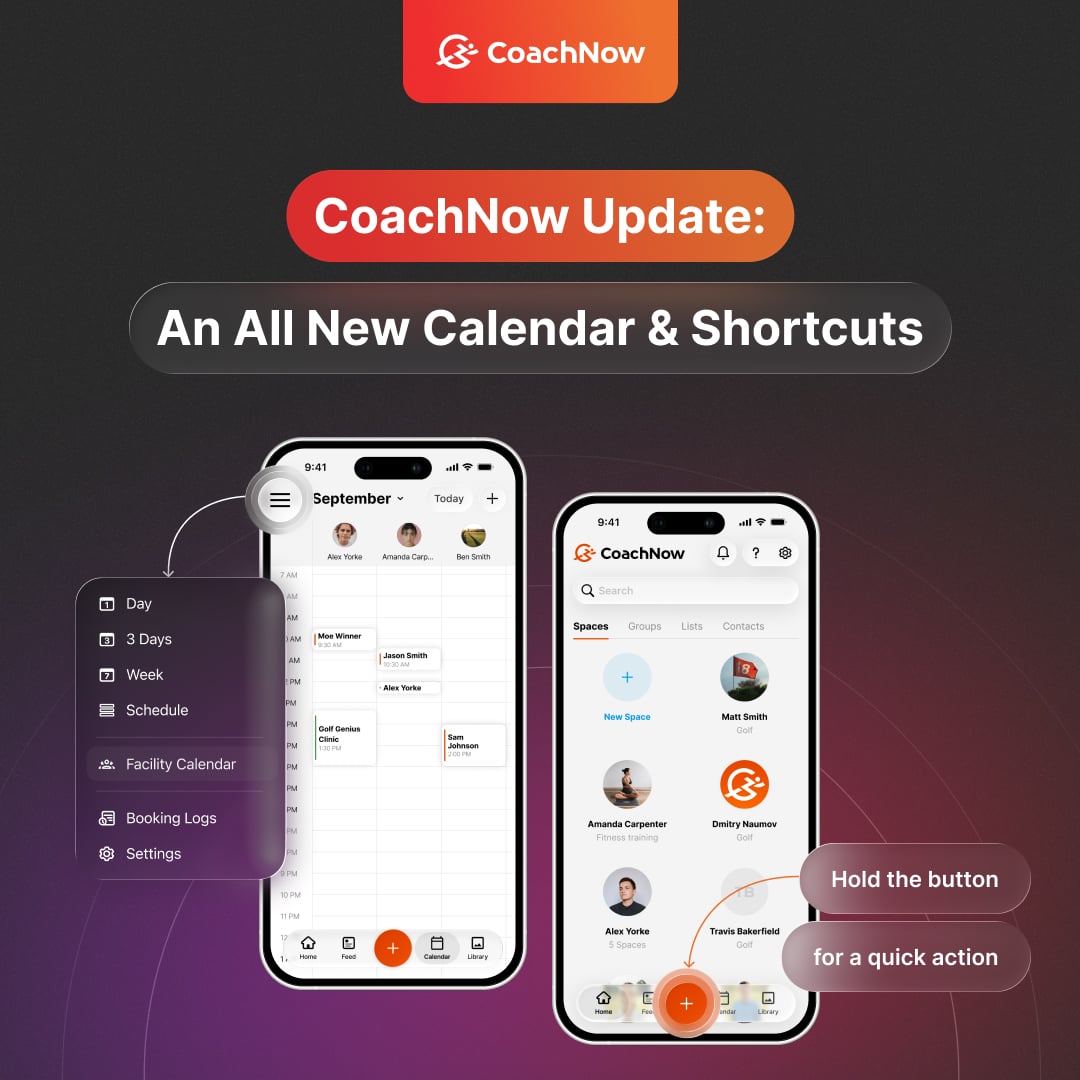
We’re excited to announce the release of CoachNow 8.1!
8.0 released liquid glass and all-new looks for users, and 8.1 brings an all-new calendar for coaches, built from the ground up to make scheduling faster and easier to manage.
And for iPad users, we’re bringing you something you’ve asked for again and again: portrait mode.
We’ve also given the plus button an update.
Let’s take a closer look at what’s new.
An All-New Calendar for Coaches
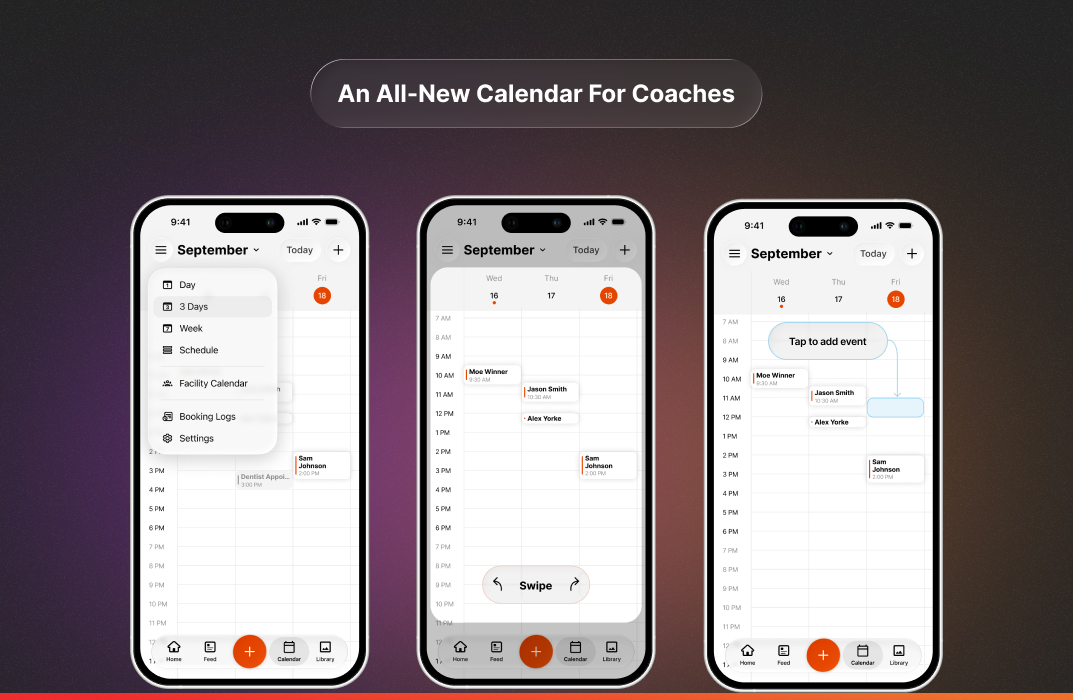
The calendar has been completely rebuilt. Switch between Day, 3-Day, Week, and Schedule views to see your time the way you like.
Swipe from day to day, and pinch to show more or fewer hours at once.
Need to add something? Tap any open slot to create an event right there. No extra steps, no hunting for the right time.
See Your Whole Facility at a Glance
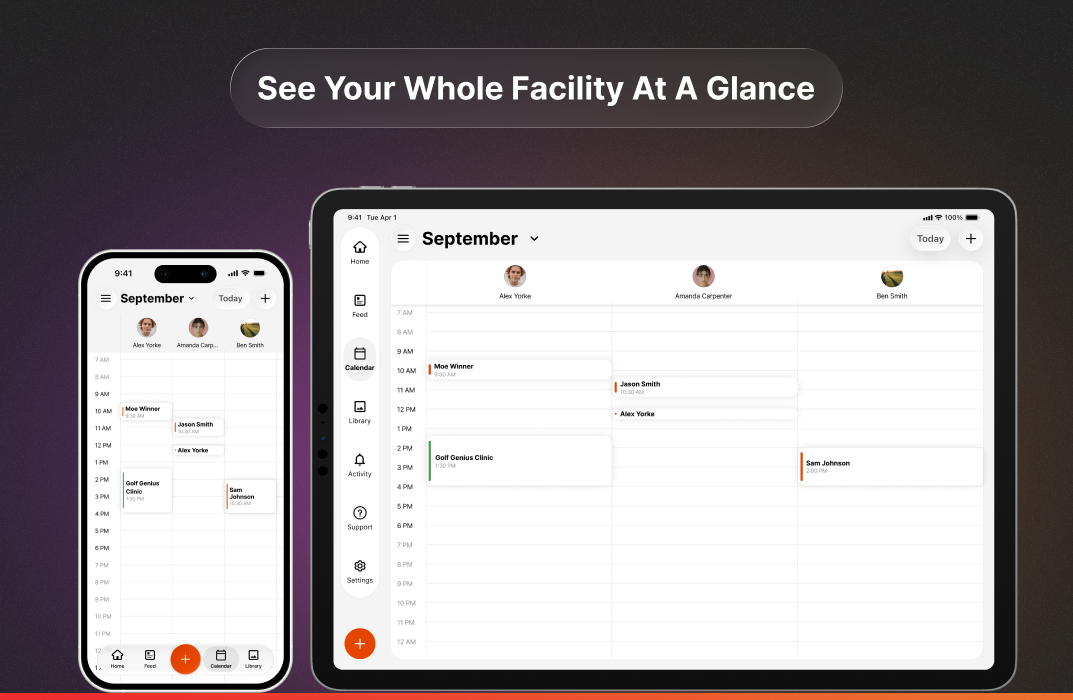
The facility calendar shows every coach in your facility in one place. You can see who’s booked, who’s free, and plan around your team.
A Calendar Made for iPad
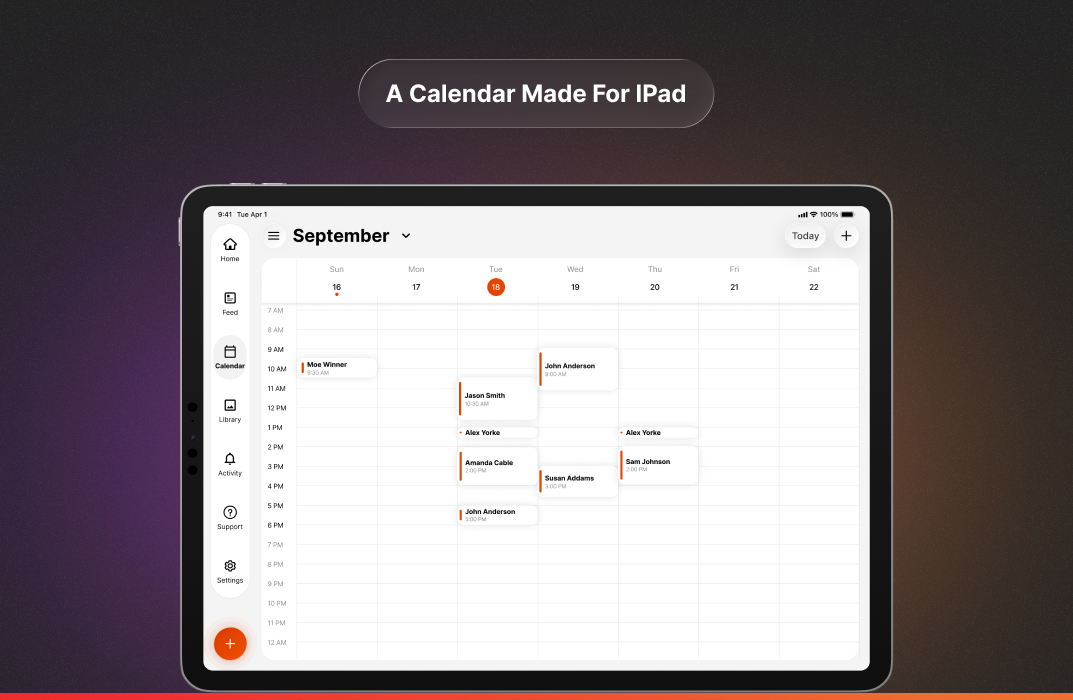
On iPad, the whole calendar has a fresh layout made for the bigger screen. You get more room to see your schedule, so it’s easier to plan your day or your week.
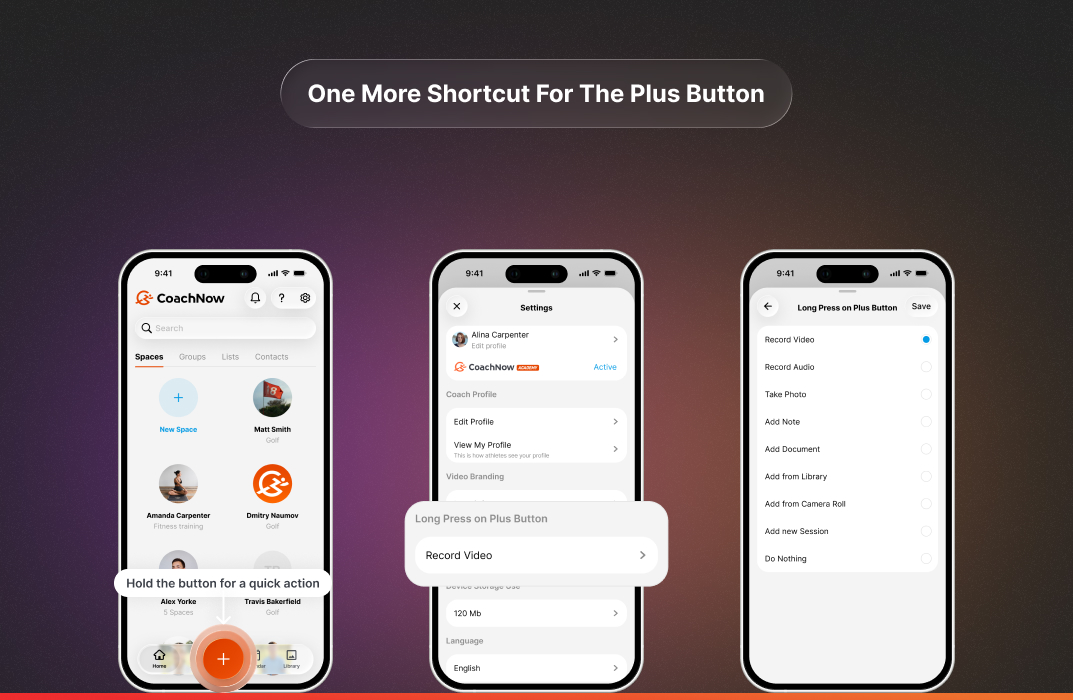
One More Shortcut for the Plus Button
Remember the new plus button? There’s now one more shortcut you can give it.
Go to Settings, then Long Press on the Plus Button and set it to jump straight to the new event form. If you’re an athlete, you can set it to Book a Session instead.
You’re one press away from getting something on the calendar.
Portrait Mode on iPad
Many of you asked for portrait mode, so here it is.
Hold your iPad whichever way suits the moment: portrait in your hand, or landscape on a stand or in a keyboard case.
Prefer it to stay put? Turn on Rotation Lock in Control Center.
.jpg?width=1073&height=700&name=Time%20(1).jpg)
What’s Next
- Easier checkout options: Ways for your athletes to book with you without having to create an account.
- Color coding: Tools to help you visualize your day and week more simply.
- Booking for your whole facility: More ways to reserve the spaces and equipment your sessions need.
- Video capture and analysis: Updates to how you capture videos, the experience of capturing them, and what you can do with them once they’re captured.