
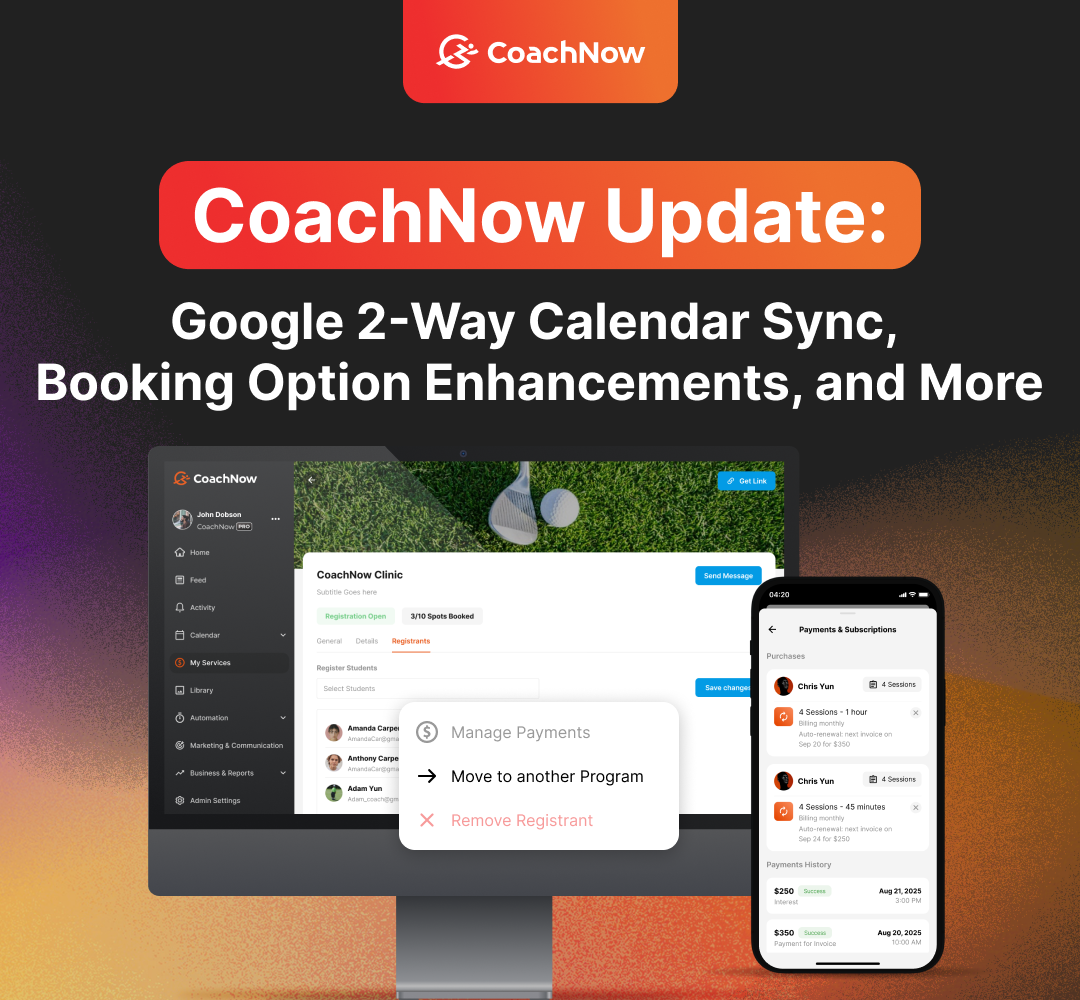
We've been building features that give coaches and clubs more control over scheduling, payments, and how programs show up for athletes.
This release covers a lot of ground: two-way Google Calendar sync, an easier way to move athletes between programs, more flexible packages and subscriptions, and a handful of booking option upgrades you've been asking for.
Here's everything that's new.
What's New
Google 2-Way Calendar Sync
You can now enable 2-way sync with Google Calendar. Here’s how it works:
-
Calendar Settings -> Calendar Integrations -> Manage Calendars. Then enable Export Preferences and select the event types you want to push to Google.
.jpg?width=1073&height=700&name=Google%20Calendar%20(3).jpg)
-
The initial sync can take up to a few minutes. Sessions won’t all appear in Google instantly.
-
A new “CoachNow” calendar is created automatically in your Google account, and pushed sessions go there.
.jpg?width=1073&height=700&name=Google%20Calendar%20(2).jpg)
-
Add the new “CoachNow” calendar to any bookings or calendars that are enabled to check for availability.
Transfer Between Clinics
.jpg?width=1073&height=700&name=Transfer%20to%20another%20Program%20(1).jpg)
Coaches and admins can now move a registered athlete from one program into another instead of cancelling and re-registering them.
-
Pick a program from your list
-
The athlete’s payment moves with them, so a later refund still works correctly.
-
Waitlisted athletes stay on the waitlist and get promoted automatically when a spot opens.
-
Both coaches and the athlete get a transfer email.
-
Please Note: Payments are not managed during this process. Any refund or surcharge must be handled directly in Stripe or your payment processor.
Package & Subscription Enhancements
Coaches now have more control when creating or editing an offering:
-
Package Expiry - Set a package to expire after a designated number of days/weeks/months from the date of assignment/purchase (leave the field empty if the package never expires).
.jpg?width=1073&height=700&name=Package%20expiry%20(1).jpg)
-
Limit Subscription Length - End auto renewal after a specified number of billing cycles. Automatically end subscriptions after the last billing cycle, with the athlete maintaining full access through that final paid period.
.jpg?width=1073&height=700&name=Limited%20billing%20cycles%20(1).jpg)
-
Multiple Subscriptions Per Athlete - An athlete can hold more than one active subscription with the same coach, as long as they’re different offerings.
.jpg?width=1073&height=700&name=Multiple%20subscriptions%20per%20athlete%20(1).jpg)
Booking Option Enhancements
Custom Duration
.jpg?width=1073&height=700&name=Booking%20Option%20(3).jpg)
Coaches and facilities can now customize the duration of a booking option - the common presets (30/45/60 min, 2 hr) or a custom value. Previously, they were limited to a fixed list.
Editing a booking option now asks whether to apply the change to already-booked upcoming sessions or new bookings only. This only appears when the duration or location changes. Pricing, past sessions, and athlete notifications are never touched.
Same-day only. A session must start and end on the same calendar day; if a long duration or late start pushes the end past midnight, it won’t work.
Descriptions and Space Templates
Coaches now have two additional options when setting up a booking option:
-
Description - Add a free-text description to a booking option so athletes see what it includes
-
Displayed on Landing Pages
.jpg?width=1073&height=700&name=Booking%20Option%20(4).jpg)
-
Space Template - Link a booking option to a CoachNow space template. When a new athlete books that option, their space is created automatically from that template. Based on the booking option they choose, the template prefills their space with appropriate information for the session.
.jpg?width=1073&height=700&name=Booking%20Option%20(5).jpg)
Reorder Booking Options
Coaches can now arrange their booking options (lesson types/pricing) in their desired order, with simple drag-and-drop. The order you set is what athletes see everywhere: the public profile, the booking flow, and also when creating a session as a coach.
.jpg?width=1073&height=700&name=Booking%20Option%20reorder%20(1).jpg)
Please Note:
1. The first option in the list is automatically the default - the one pre-selected when booking. To change the default, just drag a different option to the top. No separate “set as default” step anymore.
2. Athletes who own a package or subscription will see the related booking option first, and then this order will apply.
Whether it's syncing your schedule with Google, moving an athlete between programs, or fine-tuning how your offerings look and behave, these updates are all about cutting down manual work so you can spend more time coaching.
Give them a try, and if you have questions or feedback, reach out to our support team!