
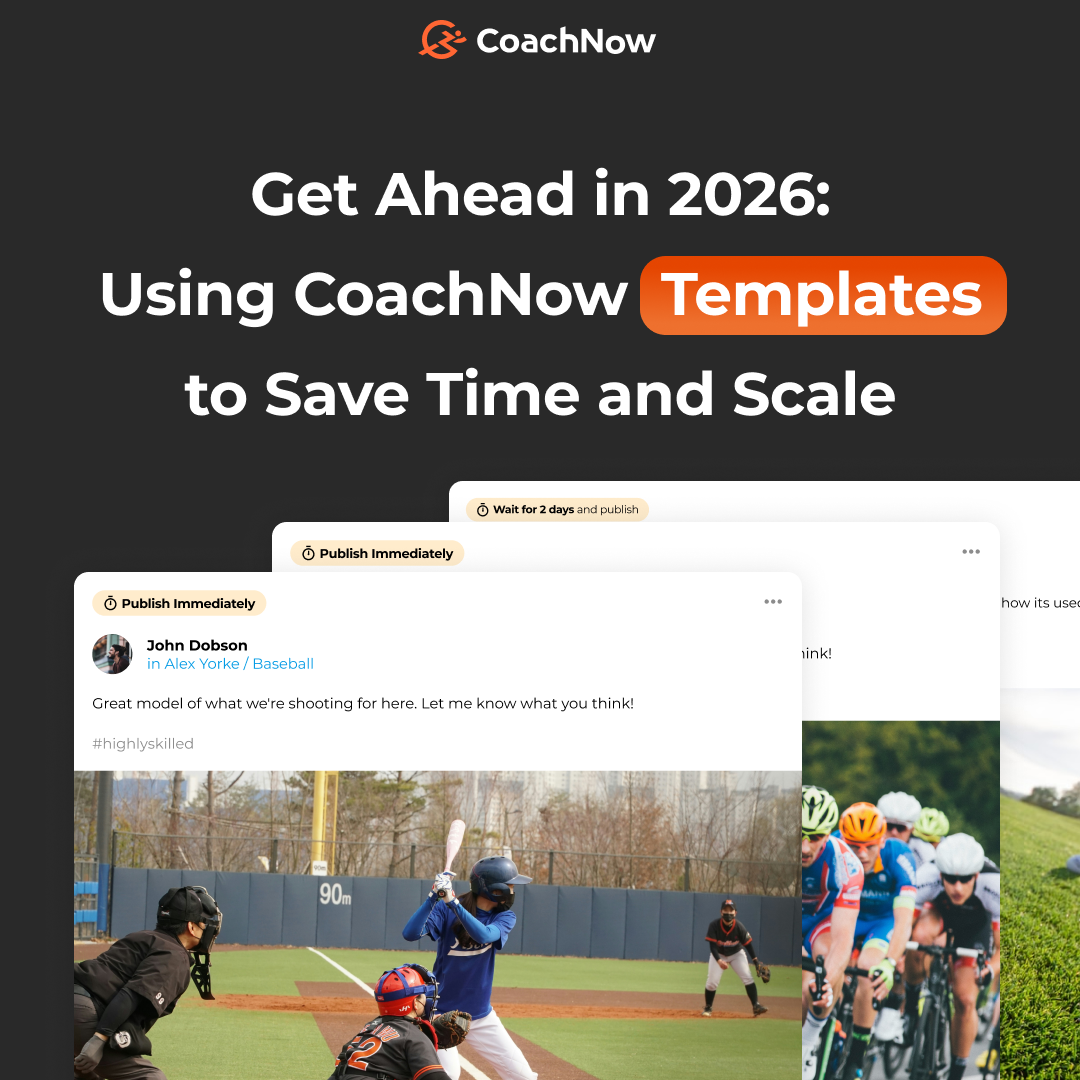
As we approach the end of 2025, most coaches (and athletes) are likely taking some well-deserved time off and enjoying the holidays. While these breaks are incredibly important, they also serve as a great time to get ahead and prepare for 2026.
No matter when your busiest time of year is, using the holiday season to ramp up for next year is a great way to set yourself up for success.
Templates, one of our favorite CoachNow tools, are one of the most powerful ways to put your best foot forward.
Whether you’re familiar with them or they’re brand new to you, we’ll dive into best practices for using Templates in CoachNow.
Let’s start with a quick rundown of Templates - they make organizing and delivering content a breeze.
Templates are a powerful content management tool that lets you pre-populate coaching content in one place and reuse it anywhere in the app. This saves you time and ensures consistency in how you deliver coaching to your athletes.
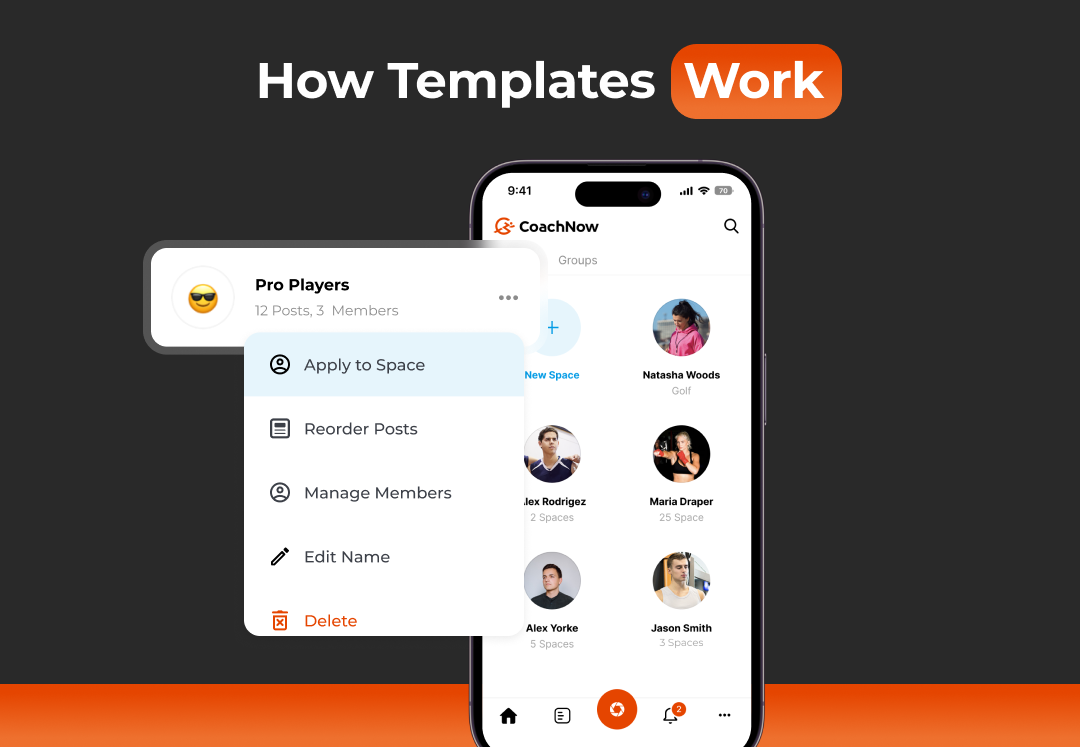
How Templates Work
Templates allow you to create a series of posts that automatically send according to your pre-set schedule. Instead of copying and pasting the same content repeatedly or scrolling through your phone to find messages, you can build a template once and deploy it instantly.
It takes just a few minutes to build a template for your Programs, set up a series of posts, and schedule them to go out at specific times.
If you’re selling a 20-lesson online course, you can create a space for each new client. Then, apply your lesson plan template and schedule the posts.
For example, post one goes out immediately, the next one two days later, and another a week after that. They’ll go out automatically, and your athletes get the content in a structured sequence.
All you have to do is set it and forget it.
.png?width=760&height=526&name=CoachNow%20Templates%20-%202%20(2).png)
Key Ways to Use Templates
Onboarding: As a Coach, you can create a Template that includes all the information you’d like to share with new Athletes.
When you use that Template to create a new Space, everything you added to that Template will be visible when the Athlete accepts their invitation.
Automated Post Scheduling: This is a game-changer for scaling your coaching business. As we mentioned earlier, you can create a series of posts that automatically send on a pre-set schedule over days, weeks, or months.
From scheduling end-of-year check-in posts to New Year's goal-setting posts and beyond, the options are endless. You’ll save hours previously spent on sending posts that you can spend doing what you do best - coaching.
Evergreen Content: You can apply any template to an athlete Space, Group, or Channel at any time, not just during initial onboarding. This eliminates repetition and keeps your messaging consistent.
If you have evergreen content you want to leverage (think comprehensive training programs, development curriculum, paid courses, or structured coaching sequences), Templates enable you to deliver consistently across multiple athletes or teams.
We get it - the Holidays should definitely be spent recharging. But by spending even an hour or two setting up your Templates, you'll hit the ground running when your busy season starts. Say goodbye to scrambling and free up some mental real estate so that you can actually unwind before 2026.
Try building out a few templates before the new year - you'll be amazed at how much time you save and how much smoother everything runs when you're prepared.
Here's to making 2026 your best coaching year yet.